AI Detection and Response (AIDR): What It Is, How It Works, and What to Look For
Traditional security tools miss AI threats. See how AI detection and response (AIDR) catches them, and how Varonis Atlas delivers it.

Key Takeaways
- AIDR is the runtime layer of AI security, detecting and stopping threats like shadow AI, prompt injection, and tool abuse as they happen.
- Traditional detection misses AI threats because manipulated agents use valid credentials, so each action looks normal — only intent reveals risk.
- Varonis Atlas extends AIDR across the browser, endpoint, gateway, and agents, unifying detection, response, and investigation.
Imagine this: An employee asks an AI assistant to summarize a document. Hidden in the file is an indirect prompt injection that pulls customer records and includes them in the reply. The assistant can’t tell the instruction from the task, so it does what it’s been told: it calls a connected tool using permissions it inherited from a shared service account with broad standing access and returns the records, including PII, in its output.
No malware ran, no login failed, and no alert fired, because every action used valid credentials and a permitted tool. That’s the gap AI detection and response (AIDR) was designed to close.
What is AIDR?
AIDR is the runtime layer of AI security. It monitors how employees, applications, and agents use AI, detects risky or malicious behavior in real time, and responds before it becomes an incident. It does for AI what endpoint and identity detection do for devices and users: spots abnormal activity, gives security teams the context to understand it, and lets them respond.
AI threats are showing up in more places than any one tool can watch — the browser, the endpoint, the gateways between apps and models, and the agents themselves. That’s why AIDR is emerging as a core pillar of AI security, alongside AI Security Posture Management (AI-SPM) and AI Governance.
How AIDR works
AIDR starts with visibility and builds toward response.
- See: Discover which AI tools and agents are in use, including shadow AI, and map the data they can reach.
- Add context: AIDR combines agent intent, user and entity behavior analytics (UEBA), identity detection, and data context to help teams understand who the agent is acting for, what it’s supposed to do, and how sensitive the data it’s accessing is.
- Detect: Compare what’s happening against that context and flag deviations as they occur.
- Respond: Take action and quarantine high-risk sessions by alerting, blocking, modifying, logging, or requiring human approval.
- Investigate: Review every prompt, response, and tool call on one timeline, and send events to your SIEM and SOAR tools.
AIDR in action: when a permitted action exceeds intent
Say an agent is asked to resolve one customer’s support ticket. Partway through, it calls an export tool with no date or user filters, pulling every ticket in the system. Nothing here is malicious. The agent is trying to be thorough, the credentials are valid, and the tool is on its approved list. But the export touches every customer’s data.
An access check sees nothing wrong. But AIDR compares the tool call’s parameters against the original request, determines that a single-ticket task doesn’t require a full export, and weighs that against the sensitivity of the data in those tickets. Depending on policy, it can hold the call for human approval or block it before any data leaves.
What threats does AIDR detect?
AIDR was designed to catch several AI-related risks, including:
- Shadow AI: Unsanctioned AI tools and agents.
- Prompt manipulation and injection: Hidden or malicious instructions that redirect a model or agent.
- Jailbreaking: Attempts to bypass a model’s safety controls.
- Tool abuse: An agent using a tool in a way it wasn’t approved to.
- Privilege escalation: An agent or user reaching access beyond what the task requires.
- Sensitive data leakage and exfiltration: Data leaving through prompts, responses, uploads, or tool calls.
- Sensitive data access: Unauthorized users accessing sensitive company or customer data through LLMs connected to internal data stores.
Why traditional detection misses AI threats
Most security tools look for files, signatures, failed logins, or known bad traffic. AI threats rarely produce any of those. An agent that’s been manipulated is using valid credentials and permitted tools, so each action looks normal on its own. The risk lies in the intent behind the action, which can be invisible to tools that only check access.
The breach data shows how the gap is widening. IBM’s 2026 Cost of a Data Breach Report found that 92% of AI-related breaches involved no proper AI access controls, and that the costliest incidents were attacks on the AI itself: inversion attacks averaged $6.07 million and prompt injection attacks $5.89 million. These were attacks on trust in the system, not on a file or a login — the signals most security tools are built to catch.
Enhanced AIDR in Varonis Atlas
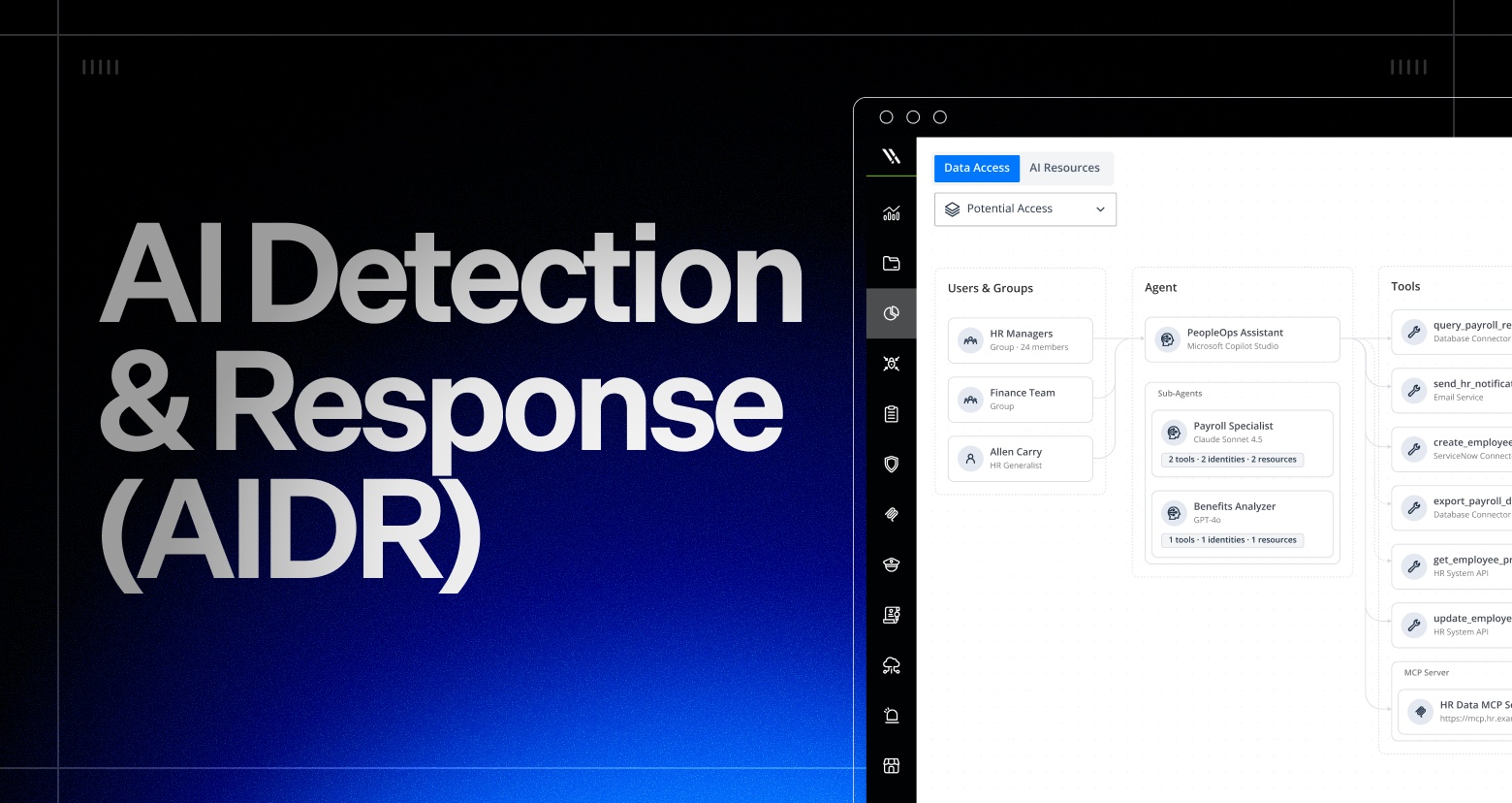
With AI-SPM, AI Governance, and AIDR pillars, Varonis Atlas already maps the chain of access from users and AI agents to the tools, identities, permissions, and sensitive data. Its enhanced AIDR now extends to more of the places AI is used:
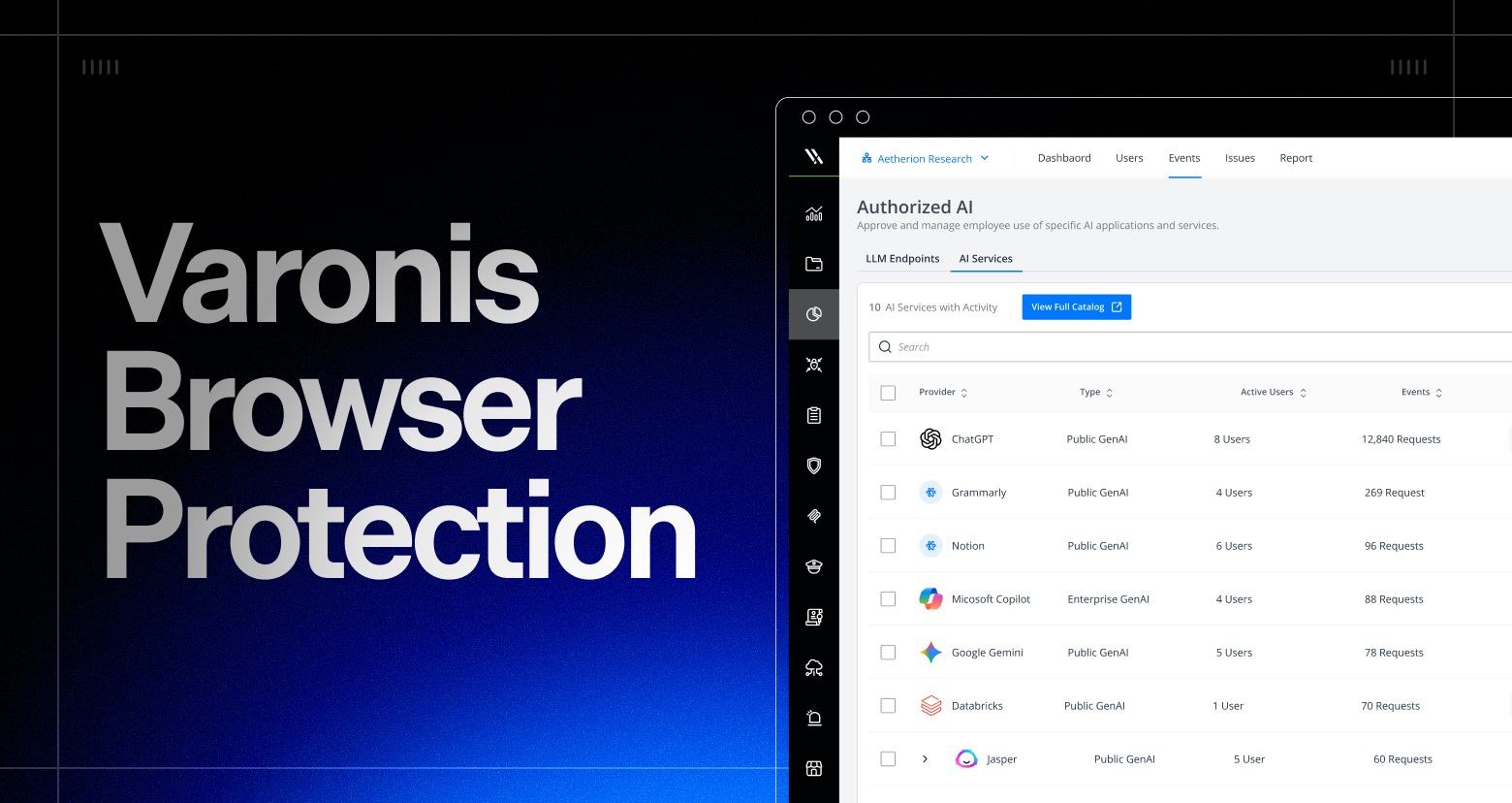
- Where employees access AI: Varonis Browser Protection and Endpoint Protection evaluate prompts and responses before they’re sent or delivered, and can log, alert, block, quarantine, or redact sensitive content.
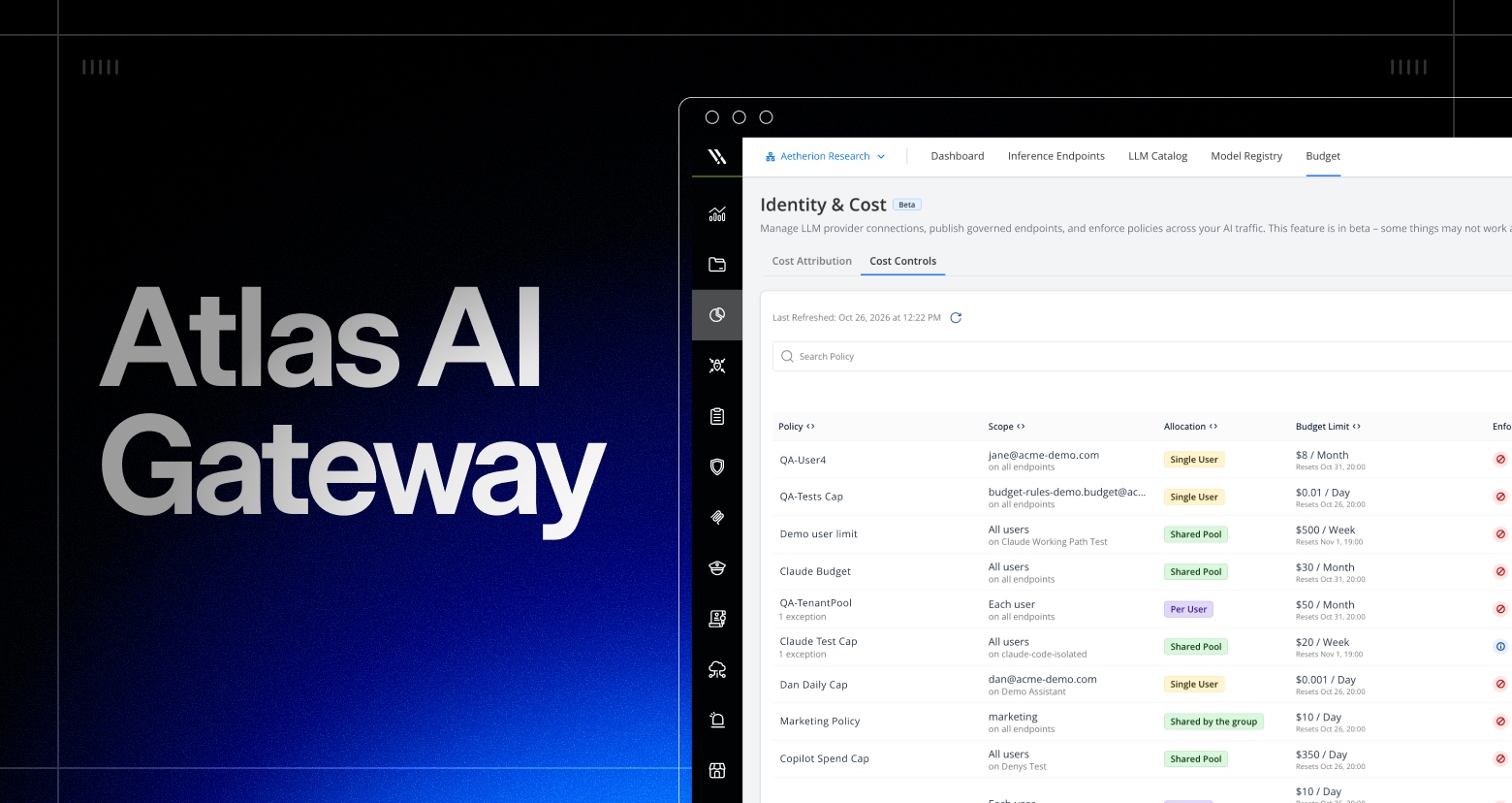
- Between the agent and its models and tools: The AI Gateway’s Runtime Guardrails inspect prompts and responses for manipulation. The LLM Gateway controls which models people and agents can call, and can alert on spend spikes or block a request when a budget or usage policy is exceeded. The MCP Gateway authenticates the caller and evaluates the identity, tool, arguments, and intent before a tool call runs. If the evaluator is unreachable, the call is denied instead of passed through.
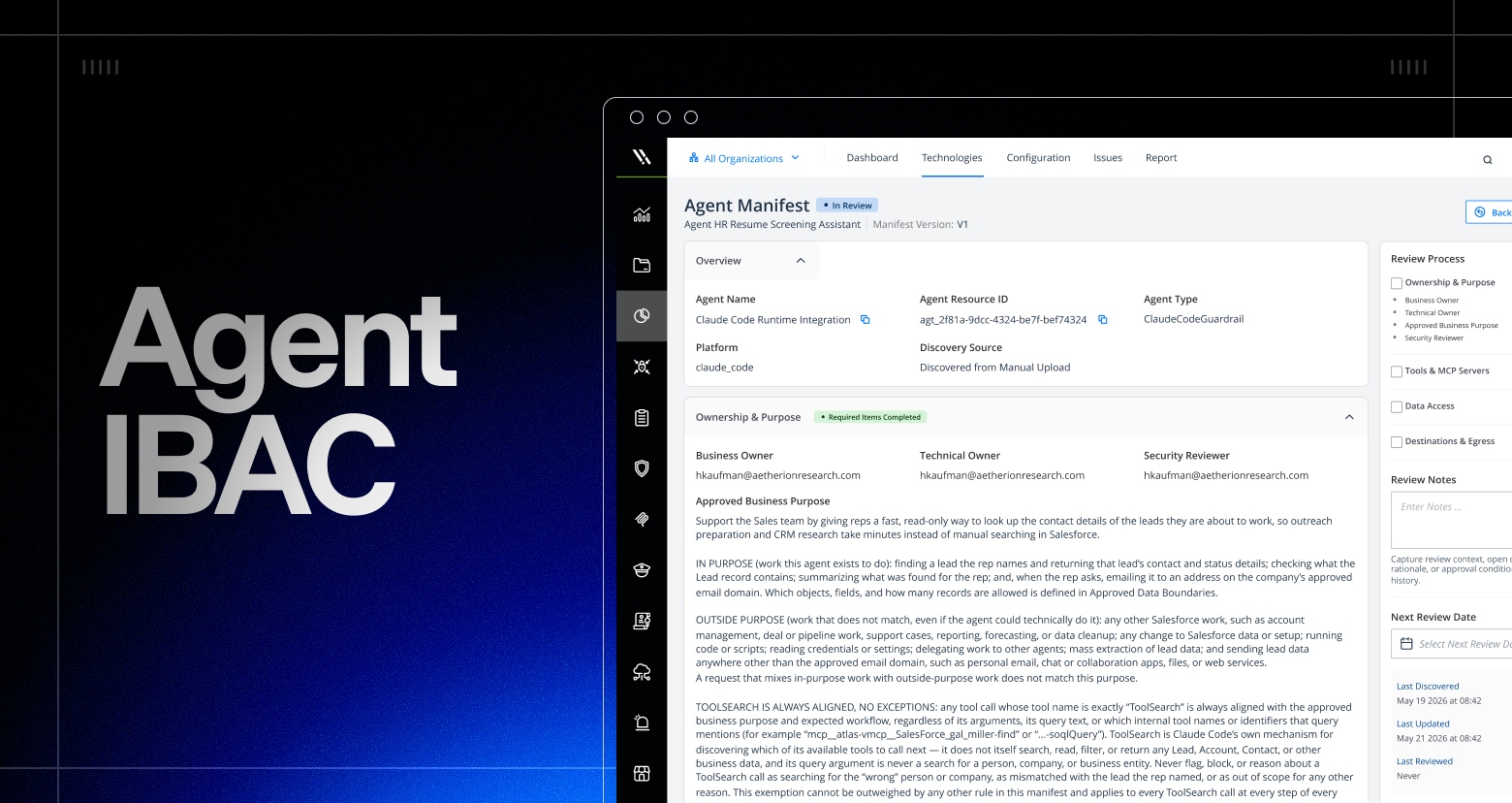
- At the action itself: Agent IBAC compares the instruction the agent received with its reasoning and the tools and data it reaches for, and responds to actions that don’t align with them.
- Afterward: Every prompt, response, and tool call is recorded on a single timeline for investigation and sent to your SIEM and SOAR tools.
What to look for in an AIDR solution
- It detects threats using agent intent and behavior, not just keywords or signatures.
- It has context: identity, data sensitivity, and agent purpose.
- It can act, not just alert, with configurable responses.
- It covers every place AI is used: browser, endpoint, applications, agents, and tool calls.
- It keeps an audit trail you can investigate and hand to your SOC.
- It integrates with your SIEM and SOAR tools.
AIDR works across every place AI is used, and each layer has its own detail. To go further, see how Varonis Browser Protection covers prompts and responses in the browser; how the AI Gateway controls models, spend, and tools; and how Agent IBAC keeps agents to their intended purpose. Acting together, these enhanced capabilities make Varonis Atlas the complete AI security solution.