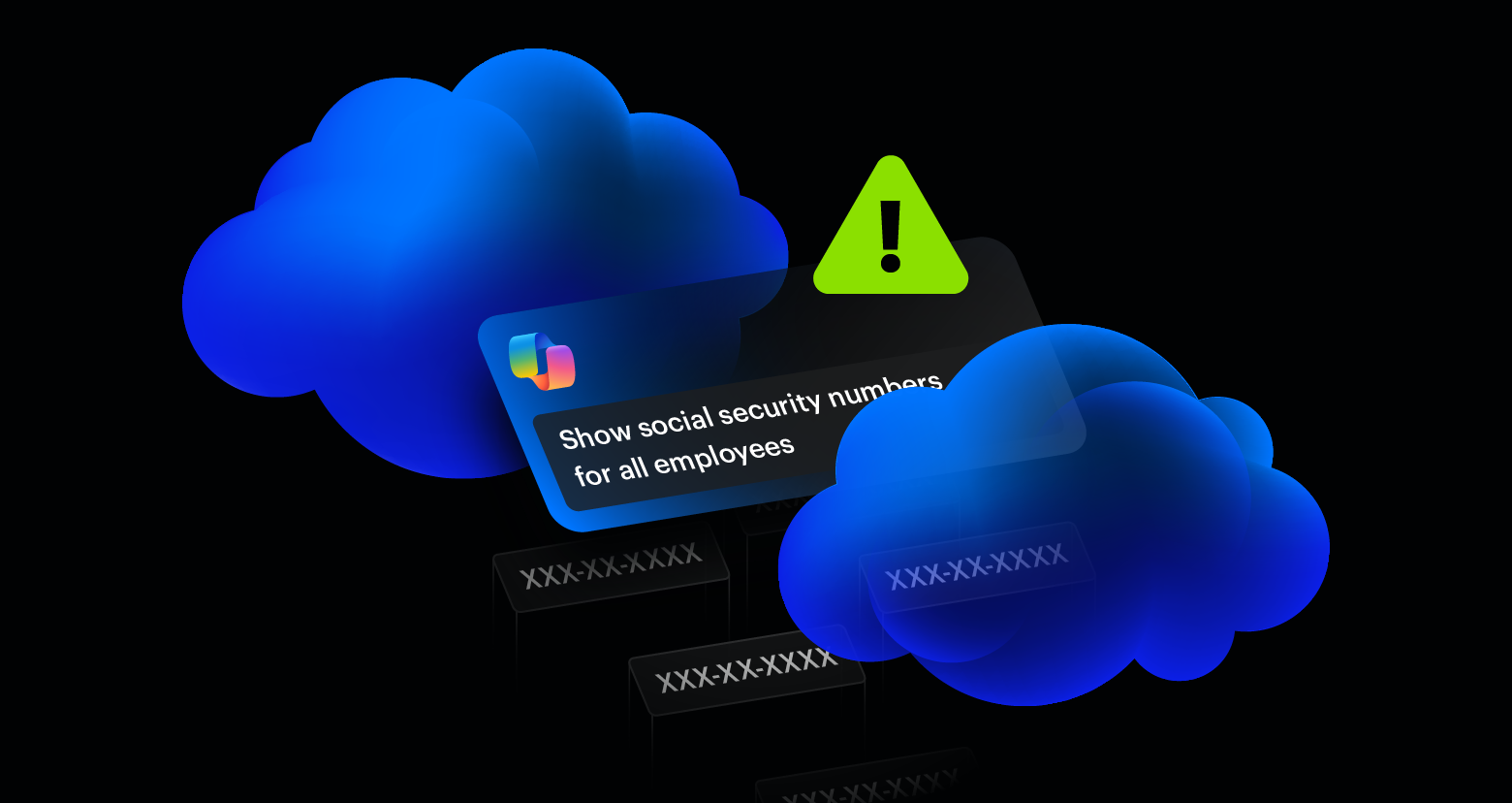
A compromised account used to be the start of a slower, noisier process. The attacker would land in a mailbox or a SharePoint session and start enumerating what they could reach, sometimes manually, sometimes using open-source tools like SharpHound, or ROADtools to map permissions and crawl file shares. Either way, it took time and left a trail of access events that a halfway decent SOC could catch.
Now, that’s changed. Enterprise AI assistants do the enumeration for them. Microsoft 365 Copilot, for example, inherits the permissions of whoever is logged in. If an attacker compromises an account through a phishing kit like Spiderman, they get a natural language search engine pointed at everything that the user can reach, and in most organisations, that’s far more than it should be.
What post-compromise recon looks like now
Before AI assistants, an attacker inside a compromised M365 account would typically open SharePoint, browse through site collections, and look for folders with names like “Finance,” “Legal,” “HR,” or “Board.” They’d search the mailbox for keywords like “password,” “credentials,” “wire transfer,” or “confidential.” Every query, every folder opened, every document previewed generated an access event. The process was noisy and time-consuming.
With Copilot, the same attacker can type a single prompt and get a summarised answer pulled from across the entire environment. “Show me the most recent financial reports.” “Summarise all emails from legal this quarter.” “Find documents containing customer payment information.” Copilot reads, synthesises, and presents the results in a way that’s immediately actionable.
The access pattern changes too. Instead of dozens of individual file access events spread across SharePoint, OneDrive, and Exchange, the activity collapses into Copilot queries. The data is still being accessed, but the forensic footprint looks different from traditional post-compromise behaviour, which makes detection harder for security teams using legacy monitoring rules built around direct file access patterns.
Varonis Threat Labs recently demonstrated this risk with Reprompt, a single-click Copilot attack that silently exfiltrated personal data by hijacking an authenticated session and chaining follow-up requests through an attacker-controlled server. You can learn more about it in the video below:
The underground is already talking about this
Compromised M365 credentials are already one of the most traded commodities on underground networks. Initial access brokers sell corporate account access with listings that include the victim’s industry, revenue, and the type of access obtained.
An initial access broker advertising corporate account access for sale.
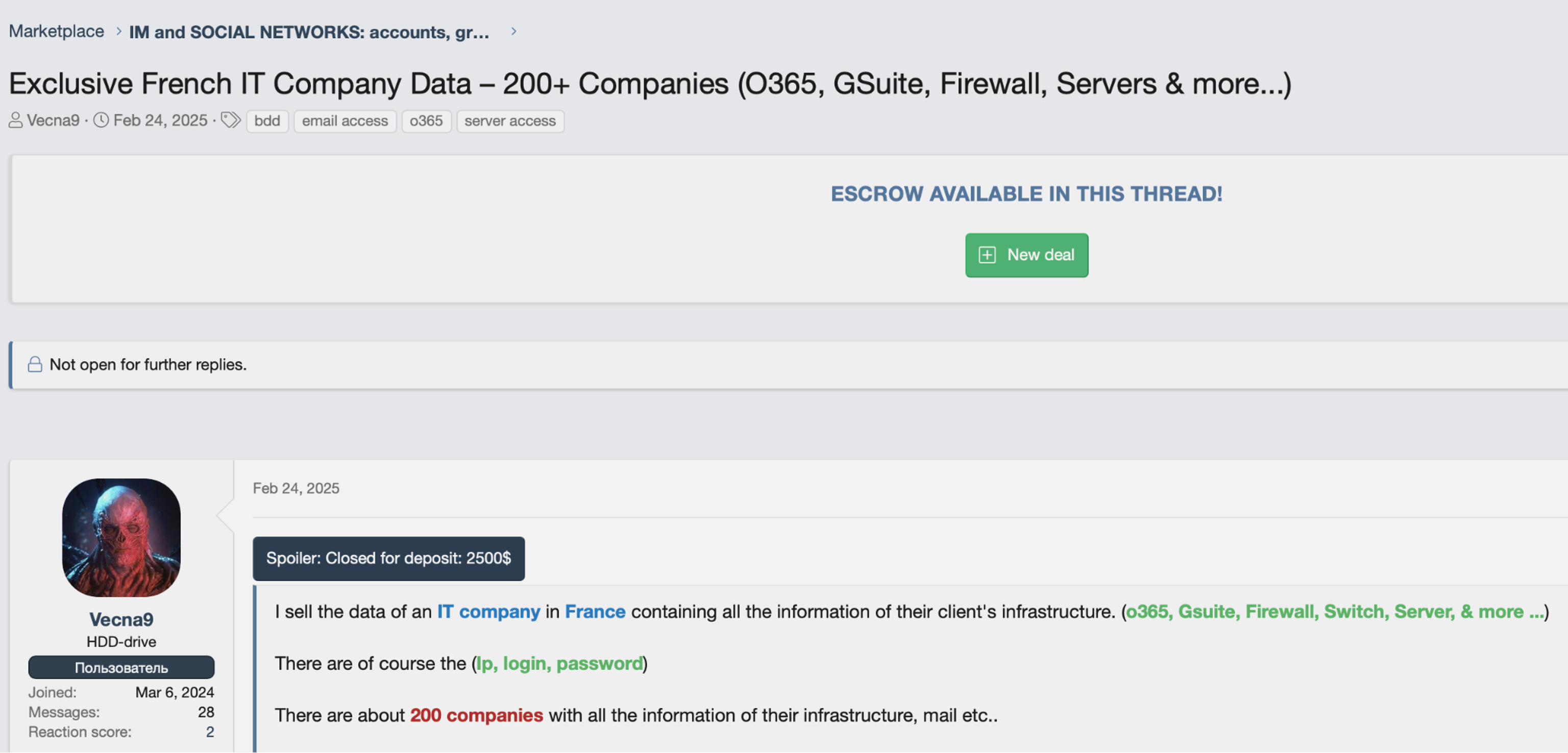
An initial access broker advertising corporate account access for sale.
As Copilot rolls out across more M365 tenants, these listings are becoming more valuable whether the sellers realise it or not. A compromised account that includes Copilot access gives the buyer an AI-powered recon tool on top of whatever files, emails, and SharePoint sites the account can already reach. No additional tooling required.
A listing offering O365 and domain admin access to 100+ organizations.

A listing offering O365 and domain admin access to 100+ organizations.
It’s only a matter of time before IAB listings start pricing Copilot-enabled accounts at a premium, if they aren’t already. Any listing that includes broad tenant access is effectively selling AI-powered reconnaissance capability, whether it says so or not. The only variable that determines how much damage gets done is how much data the compromised account can access.
Oversharing is the real vulnerability
Copilot respects permissions exactly as they’re configured. The problem is that in most M365 environments, the permissions themselves are broken: SharePoint sites shared with “everyone except external users,” OneDrive folders left open from old projects, Teams channels with overly broad membership. The vast majority of this access goes unused, but nobody notices until something goes wrong.
When an attacker compromises an account in this kind of environment, Copilot faithfully surfaces everything the user was technically allowed to see, like financial forecasts from the CFO’s SharePoint site, M&A documents shared too broadly during a due diligence sprint, or HR records in a Teams channel that was never locked down after onboarding. The AI simply makes all of that exposure instantly searchable.
This is the core issue. Oversharing has always been a data security problem, but it was partially masked by the friction of traditional discovery. Even with scripts and enumeration tools, an attacker might never have found that board presentation buried three levels deep in a SharePoint site. Copilot finds it in seconds because that’s exactly what it’s designed to do.
Fewer permissions, smaller problems
Turning off Copilot doesn’t solve the main problem. Fixing the underlying permissions does. When an account is compromised, the AI assistant should only be able to surface what that user genuinely needs access to. If a marketing coordinator’s account gets phished, Copilot should find the marketing calendar, not last quarter’s revenue numbers.
This requires automated enforcement of least privilege across the entire M365 environment. Not a one-time cleanup that drifts back within weeks, but autonomous remediation that identifies and removes excess permissions as they appear. Stale sharing links should get revoked. Overly broad access groups should be tightened. Sensitive data should be labelled and restricted before someone, or something, finds it.
Varonis approaches this by monitoring data access patterns across M365, SharePoint, OneDrive, Exchange, and Teams, then automatically reducing permissions to match actual usage. The goal is a state where every account, whether it’s a human user or an AI assistant acting on their behalf, can only reach the data it legitimately needs. When that’s in place, a compromised account with Copilot access becomes a much smaller problem because there’s simply less to find.

AI assistants are productivity tools. They’re also, by design, the most efficient data discovery mechanism ever deployed inside corporate environments. Attackers have noticed. The phishing kits that steal session tokens are already mature. Stolen AI credentials are already being traded on underground networks. The only variable that determines how much damage gets done is how much data the compromised account can access.
Oversharing was always a risk; unfortunately, AI just gave it a search bar.






.png)