- Cross-cloud
- Automated
- Self-service
Trusted by thousands of companies




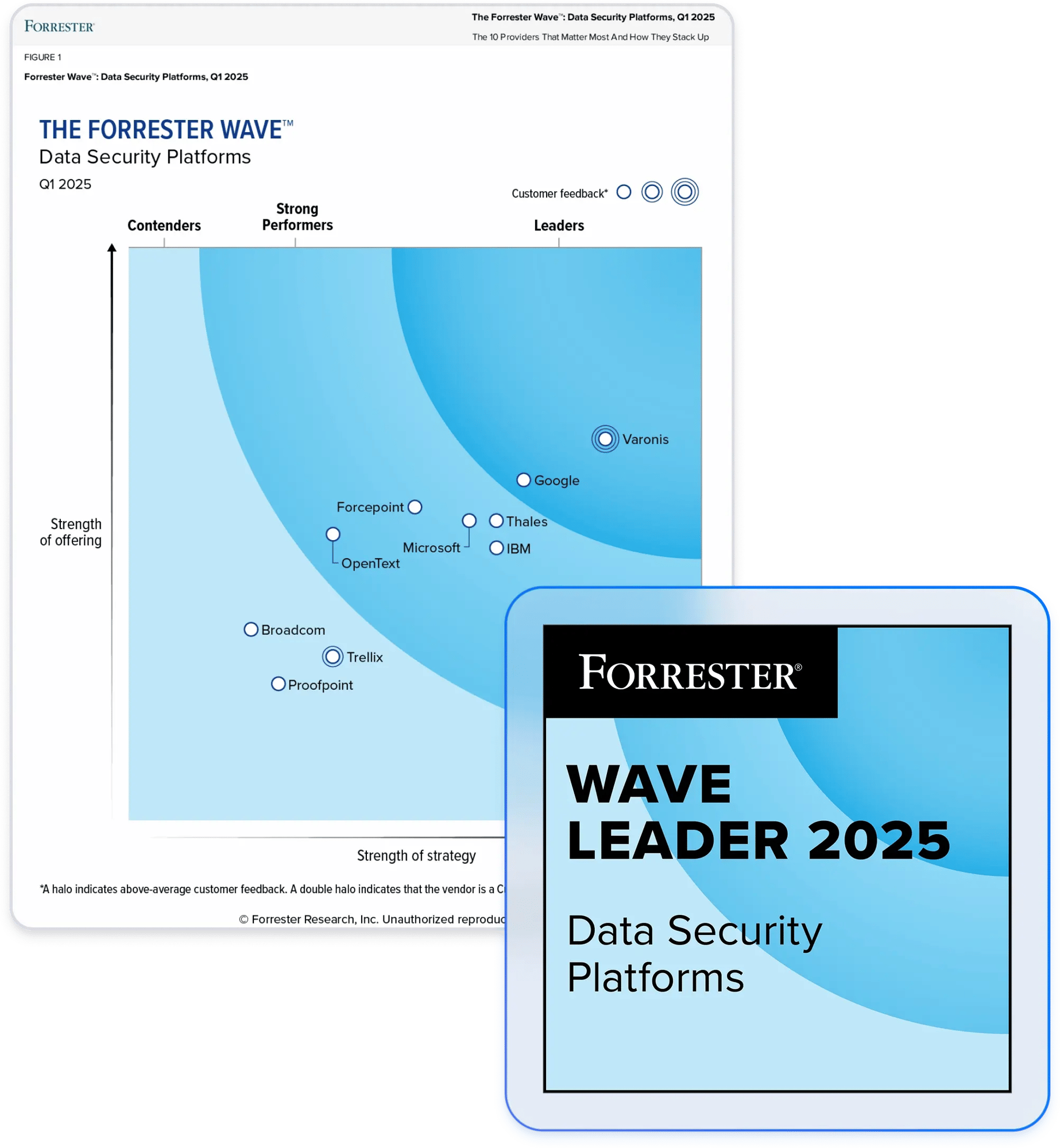
Partner with a leader in data security.
Visualize and reduce your blast radius.

Get an accurate view of access
- Discover and align data access
- Untangle nested permissions
- Get a bi-directional view of access

Right-size data access
- Continuously monitor permissions
- Eliminate unneeded access at scale
- Intelligently manage entitlements

Automate access control requests
- Alleviate routine IT requests
- Facilitate faster entitlement reviews
- Empower users to easily request access
Effective permissions analysis
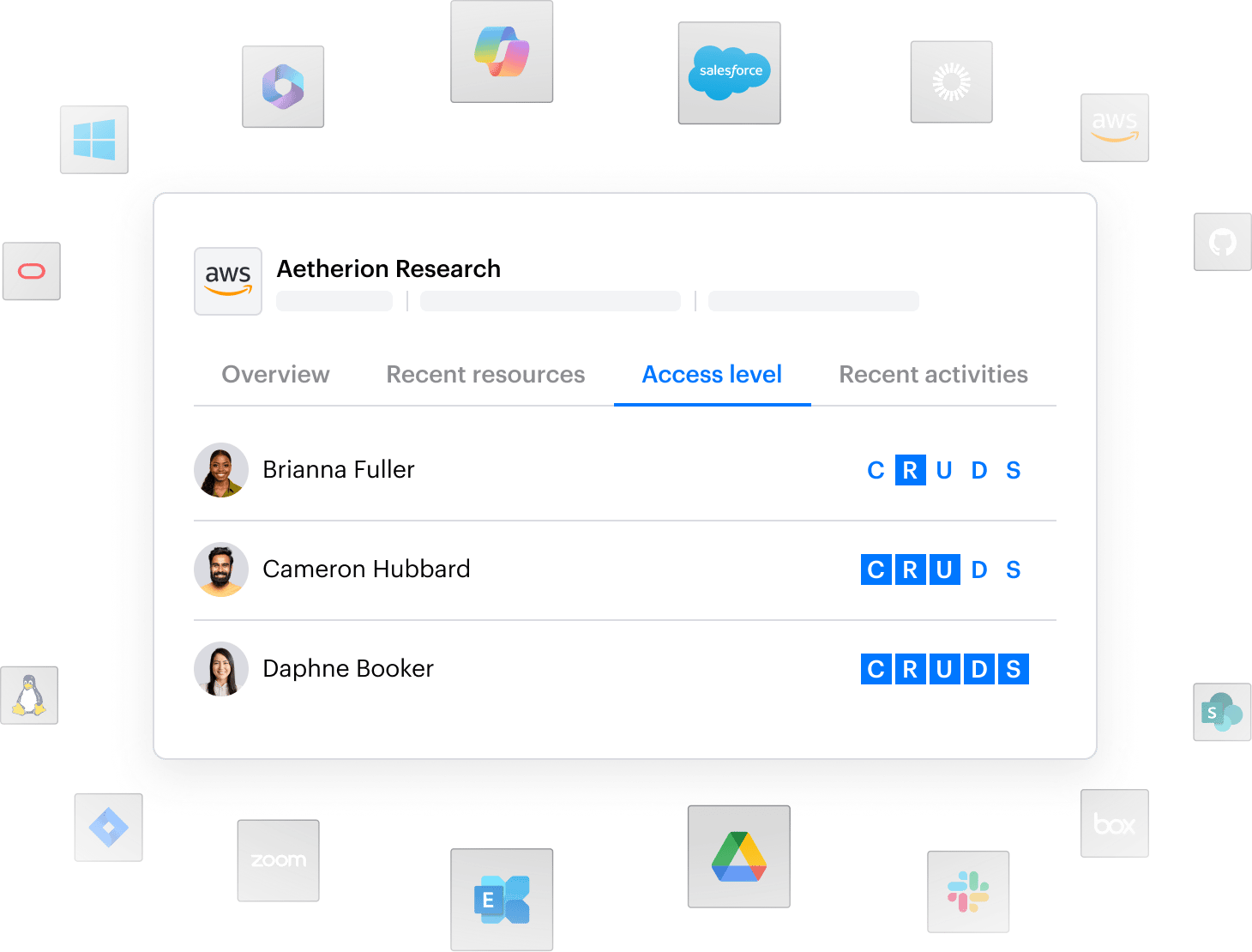
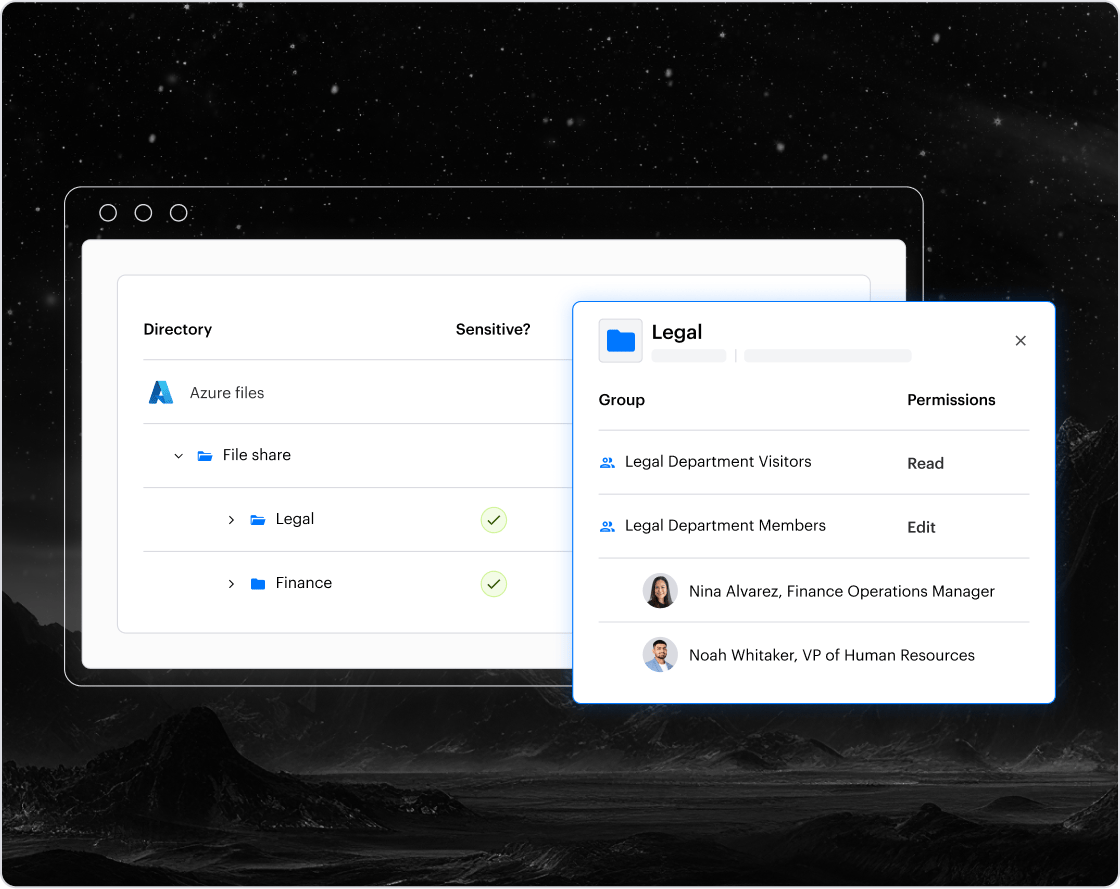
Varonis unravels nested groups, permissions, and inheritance to provide you with an accurate picture of what users can access. Discover all associated permissions normalized across files, sites, mailboxes, S3 buckets, databases, and more.
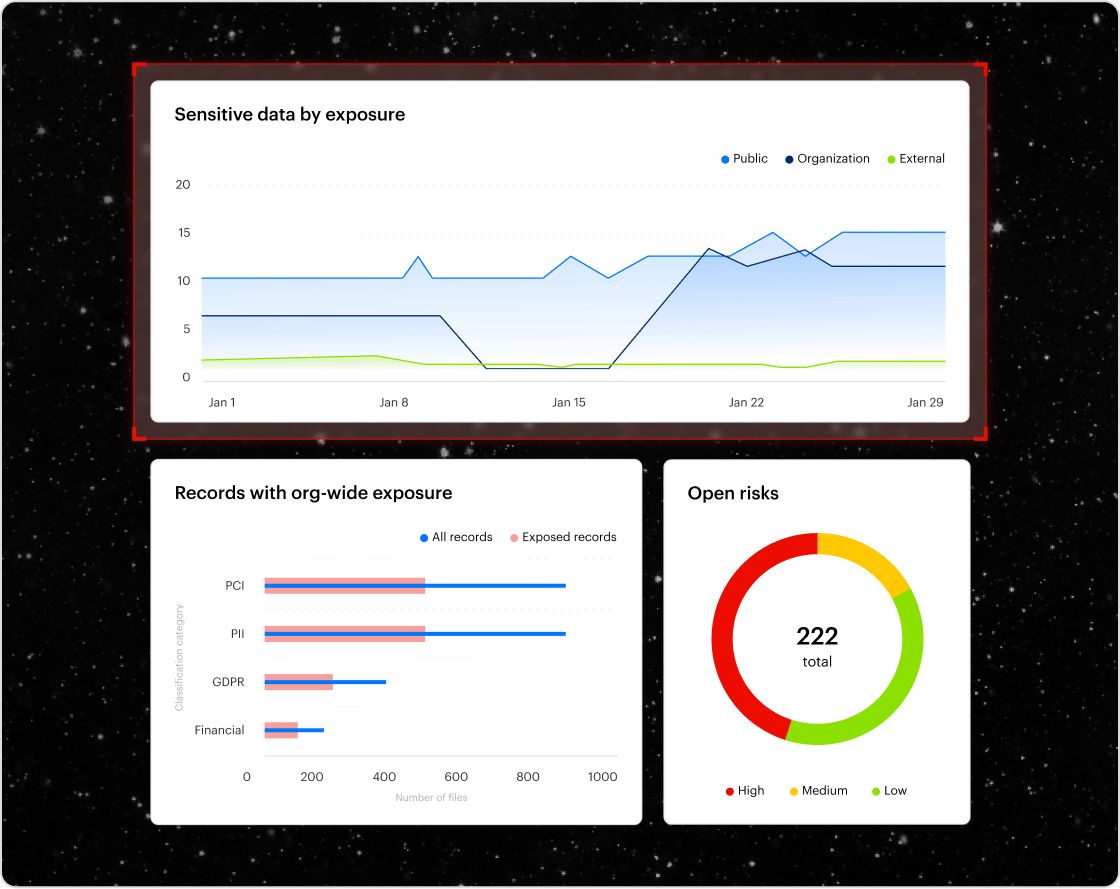
Blast radius reduction
Overexposed data is the #1 concern of organizations considering generative AI solutions. Data Access Governance is central to removing errant data permissions and reducing data risk. Varonis reduces your blast radius by 90% in just 180 days.
Self-service access
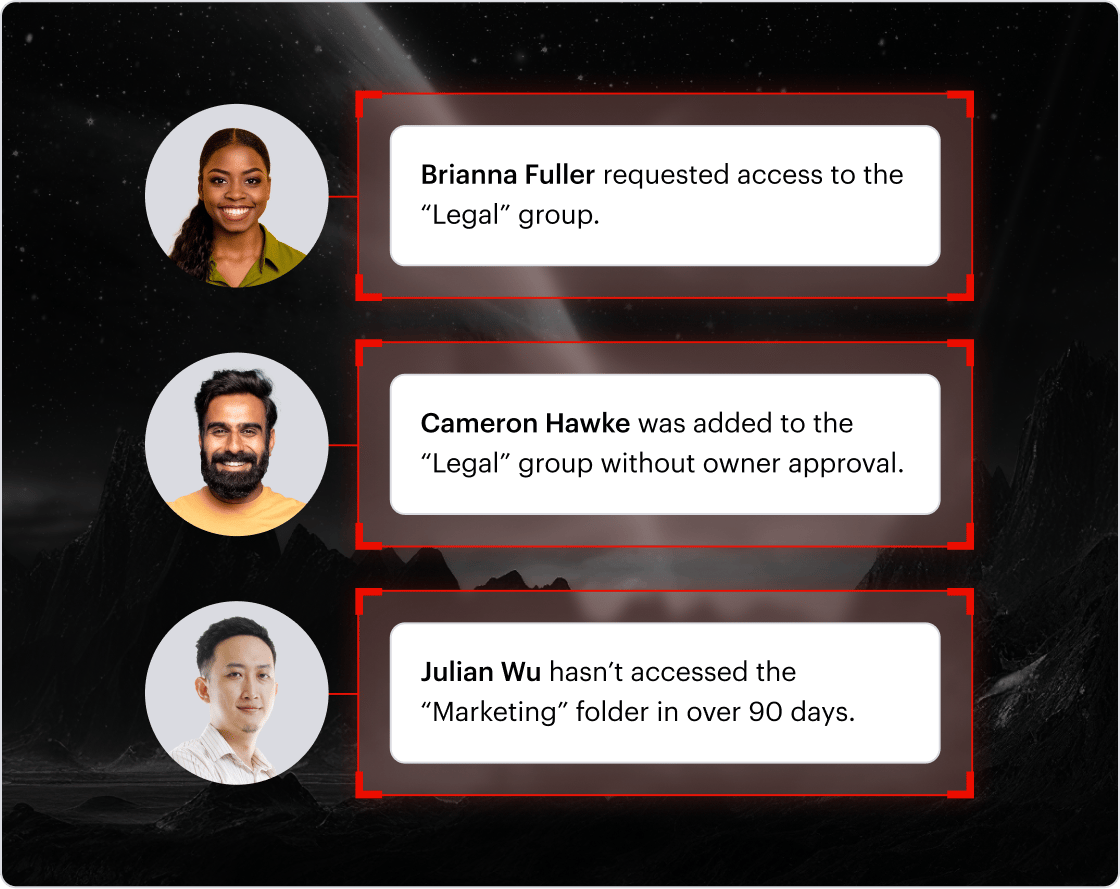
Users can easily request access to applications, cloud resources, and security groups from an intuitive web UI. Users who no longer need access are automatically recommended for removal to maintain least-privilege.
Entitlement management
Varonis tracks and reports on elevated entitlements, prevents errors with logic checks, and rolls back changes when needed. Manage access control changes in a sandbox for greater outcomes and commit them when ready.
Access remediation
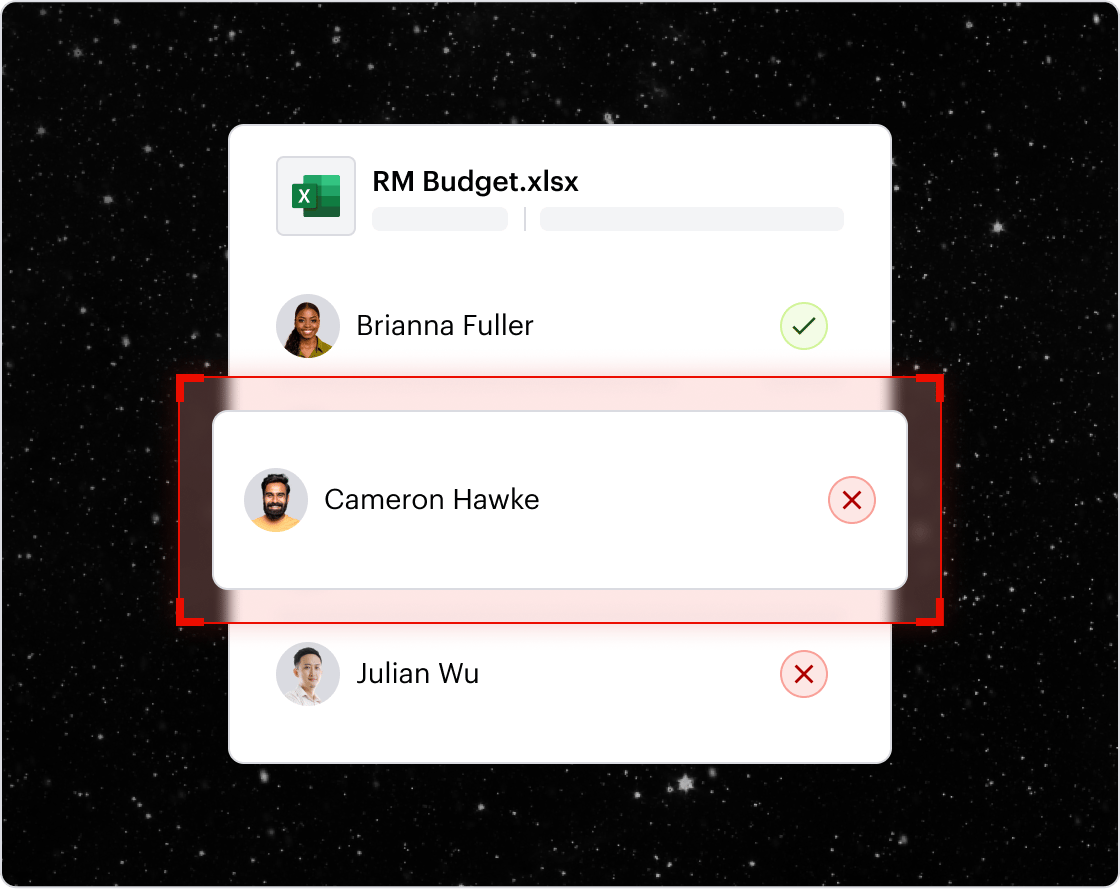
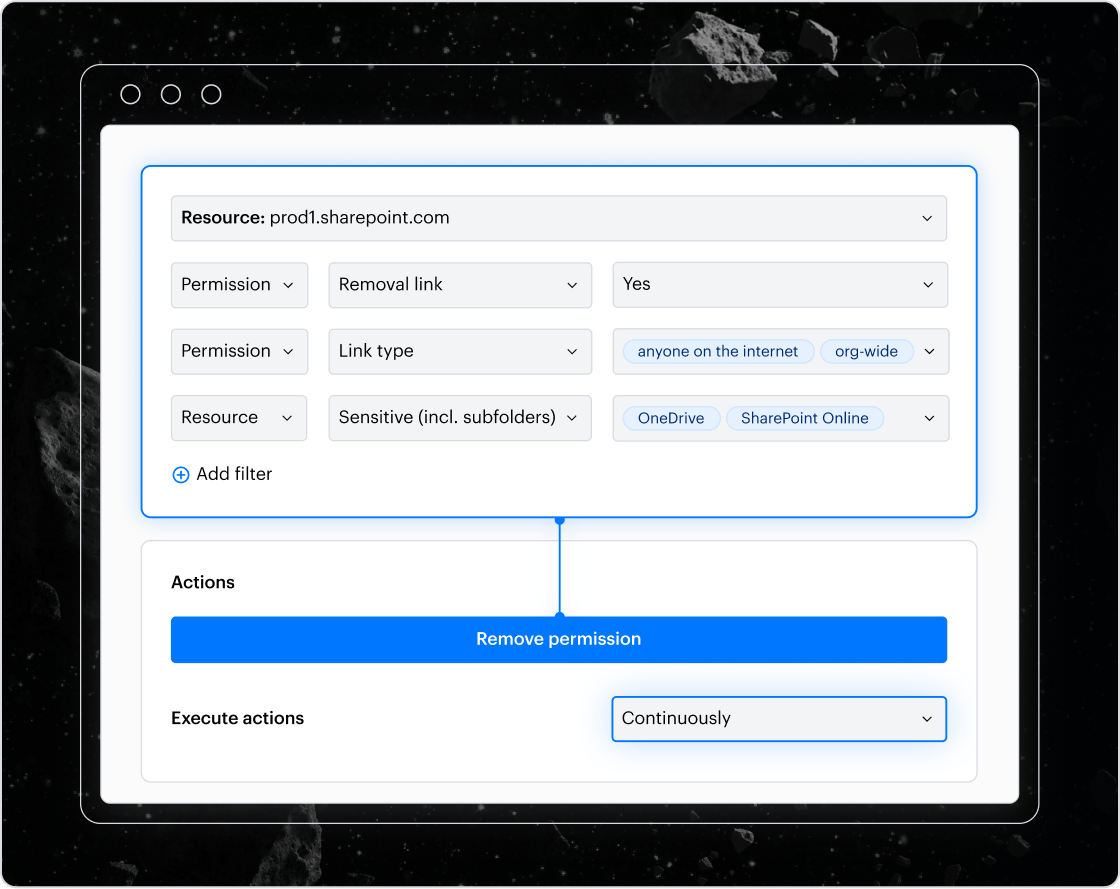
Eliminate unnecessary permissions at scale with comprehensive rules and policies. Instead of opening tickets and burdening resource-limited teams, Varonis fixes problems at the source continuously and automatically.
Permissions remediation
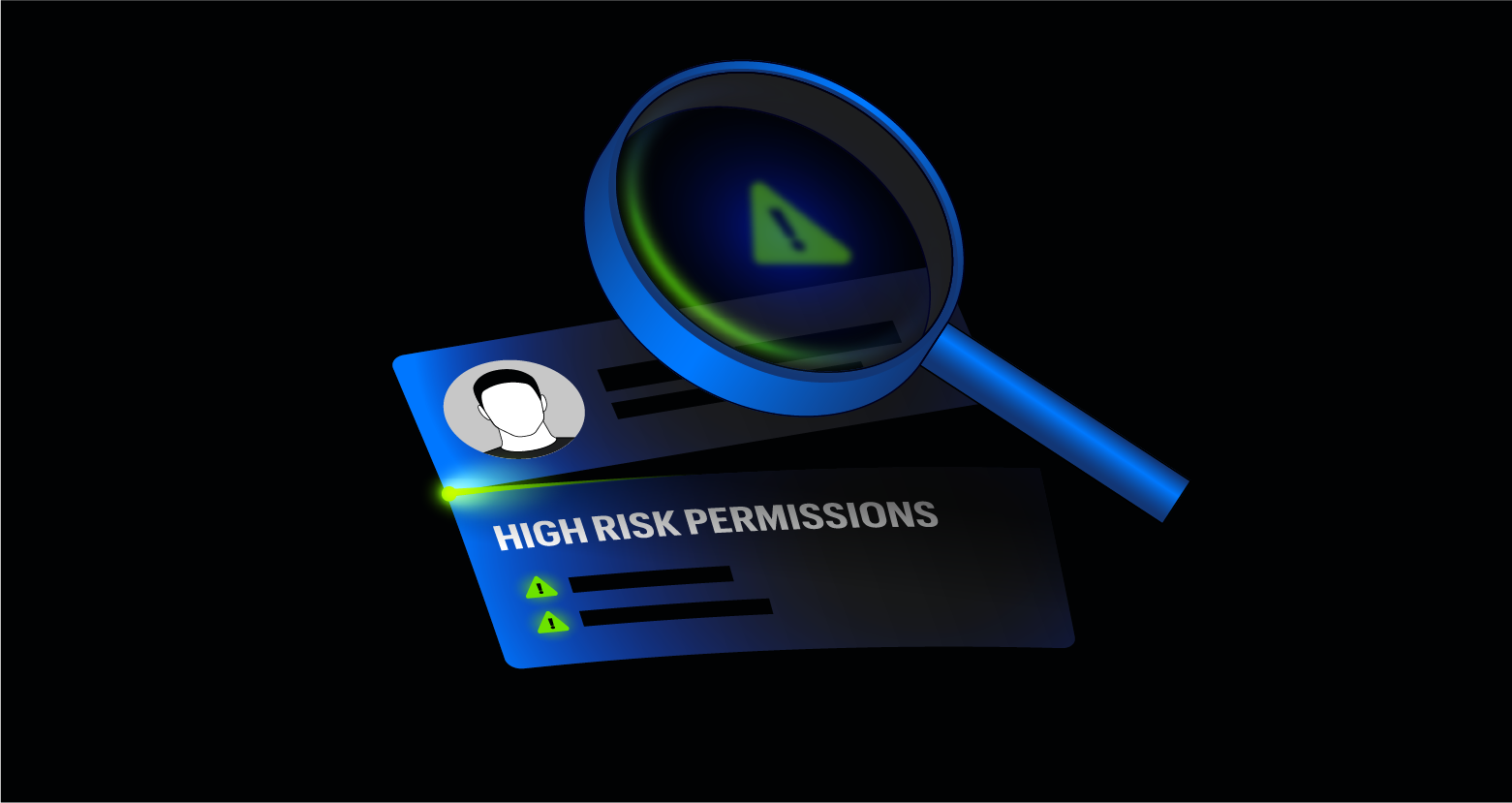
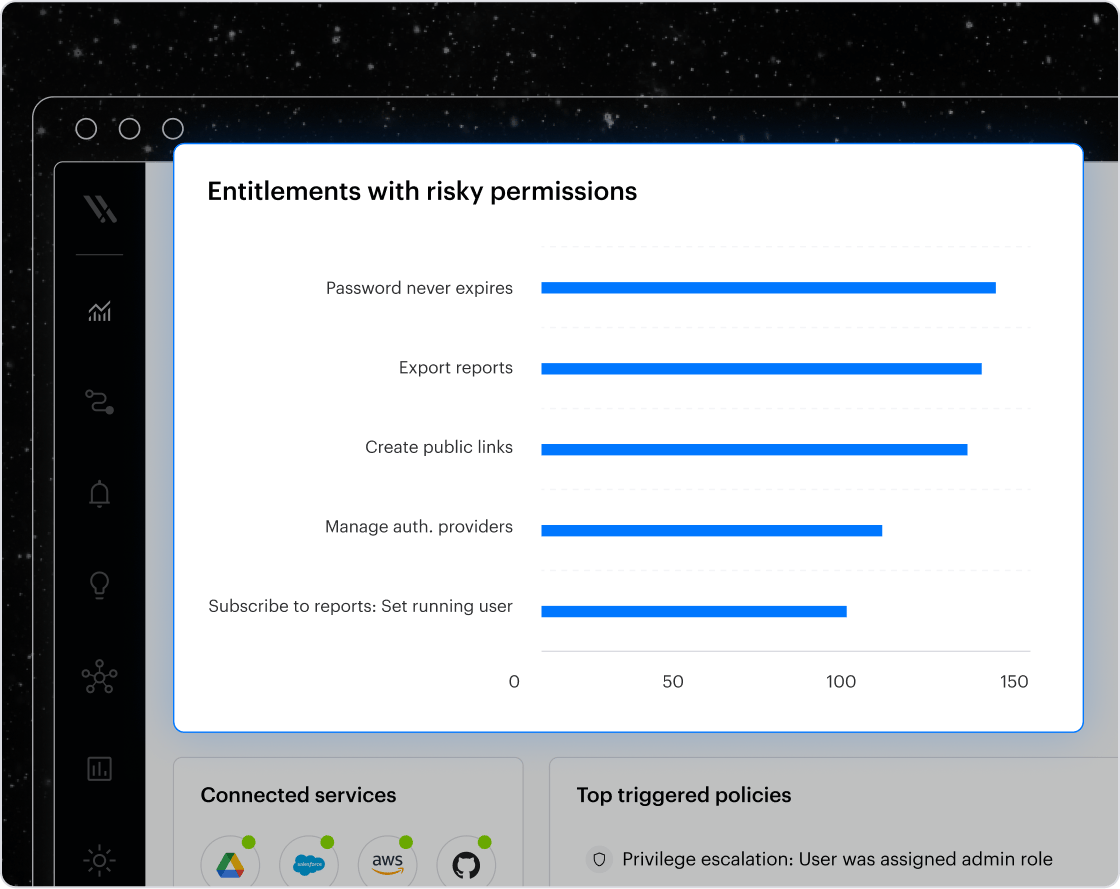
Varonis goes beyond analyzing and reporting on permissions. With Varonis, admins can revoke risky entitlements at scale with just a few clicks. Additionally, the platform is ever-evolving to identify users with high-risk permissions wherever sensitive data resides in your complex environment, continually adding integrations and coverage.
Comprehensive auditing
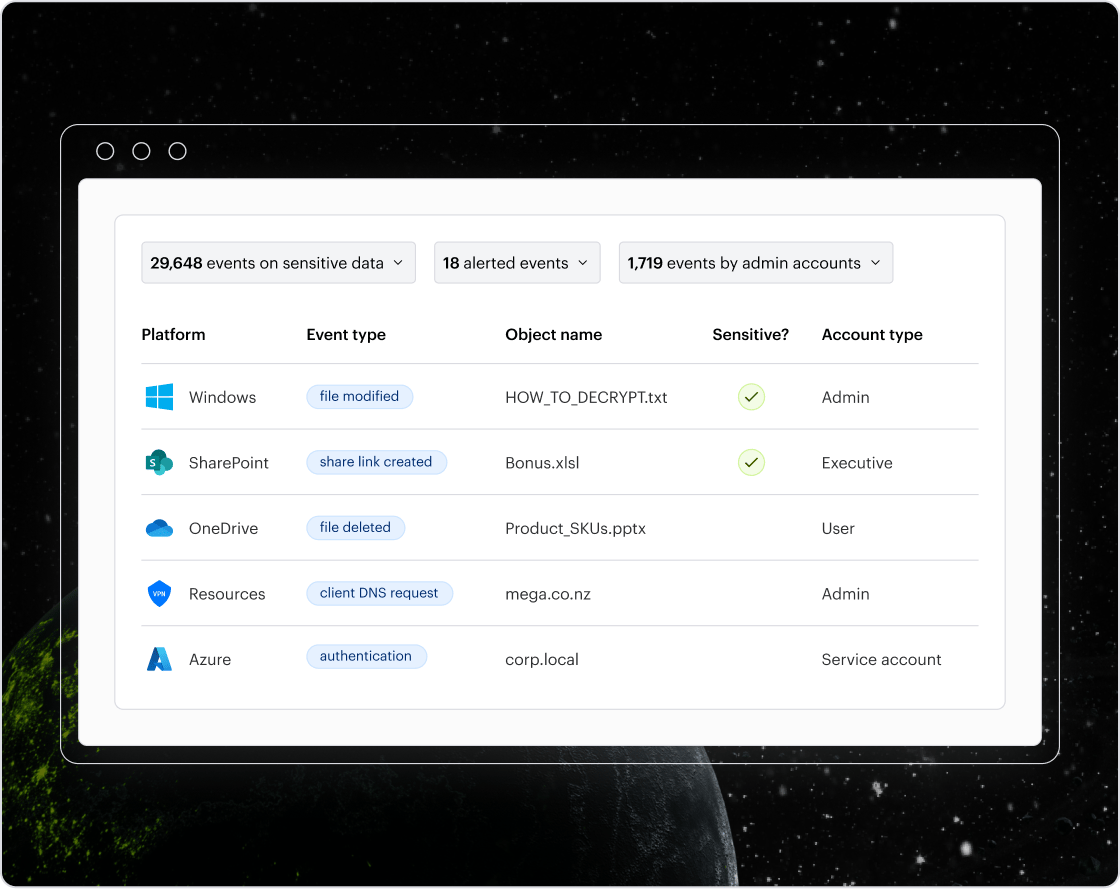
Varonis captures every important action and enriches it with unique metadata to make it human-readable. Effortlessly schedule reports to manage data access and see where excessive access could expose sensitive data or misaligned to regulatory requirements.
Our customers have spoken
Check out some of our latest customer stories and learn how our Data Security Platform helps businesses continuously discover and classify critical data, remove exposures, and stop threats in real time with AI-powered automation.





Protect your data, wherever it lives.
One platform for complete data security across multi-cloud, SaaS, hybrid, and AI.