What's new

Explore our latest product enhancements, release notes, acquisitions, and more.

Jan 2026

Save Custom Searches for Faster Investigations

Speed up investigations by saving your custom activity searches, including filters, logic, and column layouts, directly from the Investigation Activities page. Use these saved searches to apply the same queries anytime, ensuring consistent views and eliminating repetitive setup. 

Encrypt & Protect More File Types with Labels
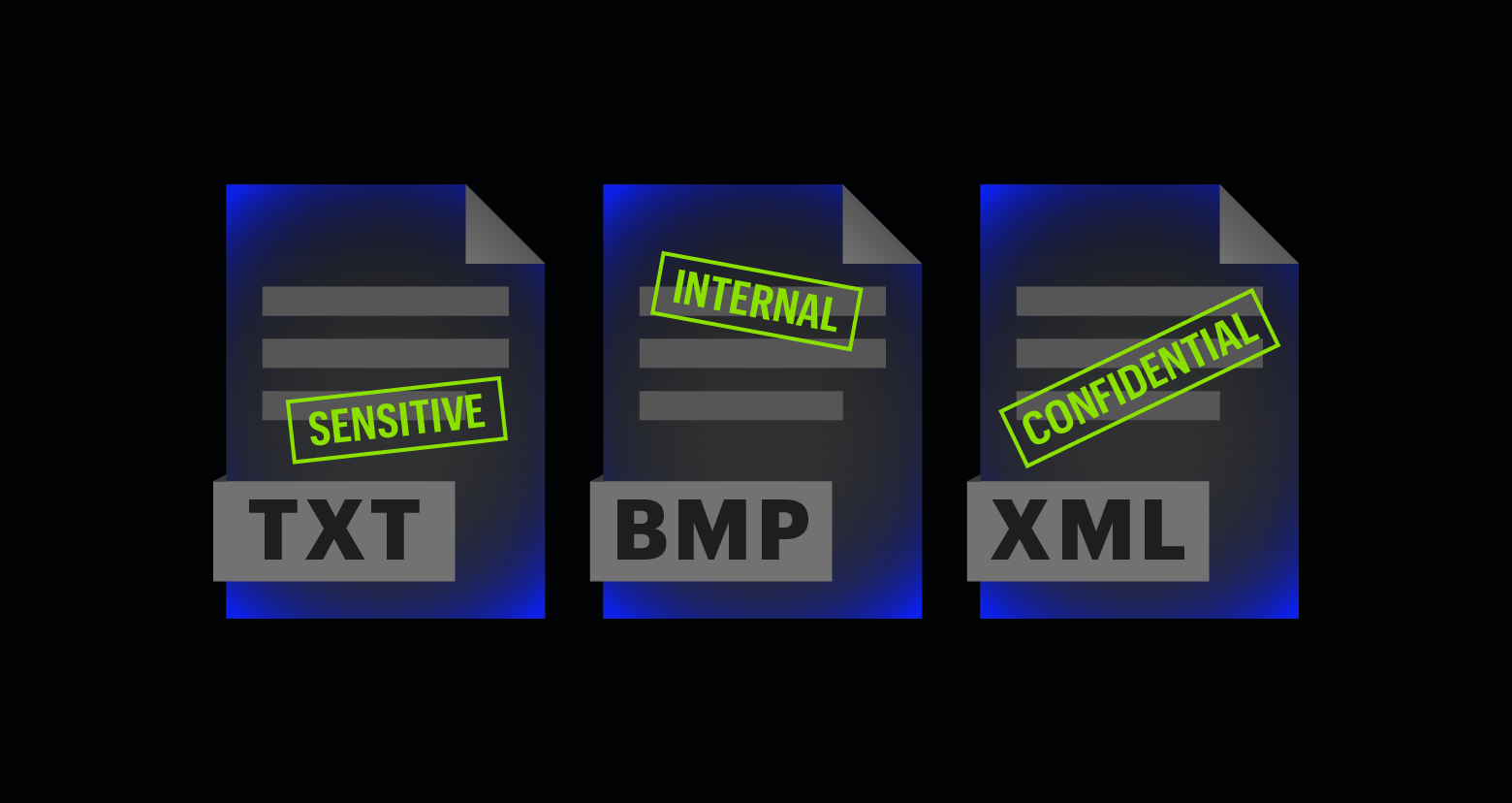
You can now apply labels with encryption to even more file types, including .txt, .bmp, and .xml. This means you can now secure sensitive information in plain text documents, bitmap images, and .xml documents. 

Create custom widgets from existing reports

Transform your go‑to reports into tailored widgets that surface the metrics and insights your organization relies on every day. Tailored widgets help you monitor critical risks and act faster while personalized views drive adoption and keep teams engaged. You can also track how custom tags are used across the system for better governance.

New Attribute: Classification Record Type

The new Classification record type (direct) column shows exactly which patterns and dictionaries matched, along with the number of records, so you can quickly understand what was detected. Use the Classification record type (direct) filter to surface resources tied to specific patterns or dictionaries. This is now available for files and messages and automatically aggregates results for folders, mail folders, mailboxes, sites, and similar items.

Accelerate Onboarding with BulkOps for Managed Folders & Groups

Speed up governance deployment with BulkOps, allowing you to bulk upload managed folders (Windows/SPO) and groups using a structured CSV and dedicated PowerShell module. This streamlines onboarding and eliminates manual setup and custom scripting, helping large environments roll out governance policies faster and reach time‑to‑value with significantly less operational friction.

Clean Up Permission Reports by Hiding Irrelevant Nested Group Members

Use the new Hide Nested Group Members of Excluded Groups filter in the Managed User Level Permissions report to remove members of any group you’ve excluded. This keeps your reports focused on the users and groups that matter—making them clearer, easier to interpret, and faster to act on.

Identify Stale Memberships & Permissions via the DAG API

Detect and act on unused access with new staleness indicators in the DAG API. When a user hasn’t used a group membership or permission past your configured staleness threshold, it’s flagged as stale and recommended for removal. Use the new fields — isStale (Boolean) and staleSinceTimestamp (DateTime) — to quickly pinpoint dormant access, clean up unnecessary privileges, and reduce security risk.